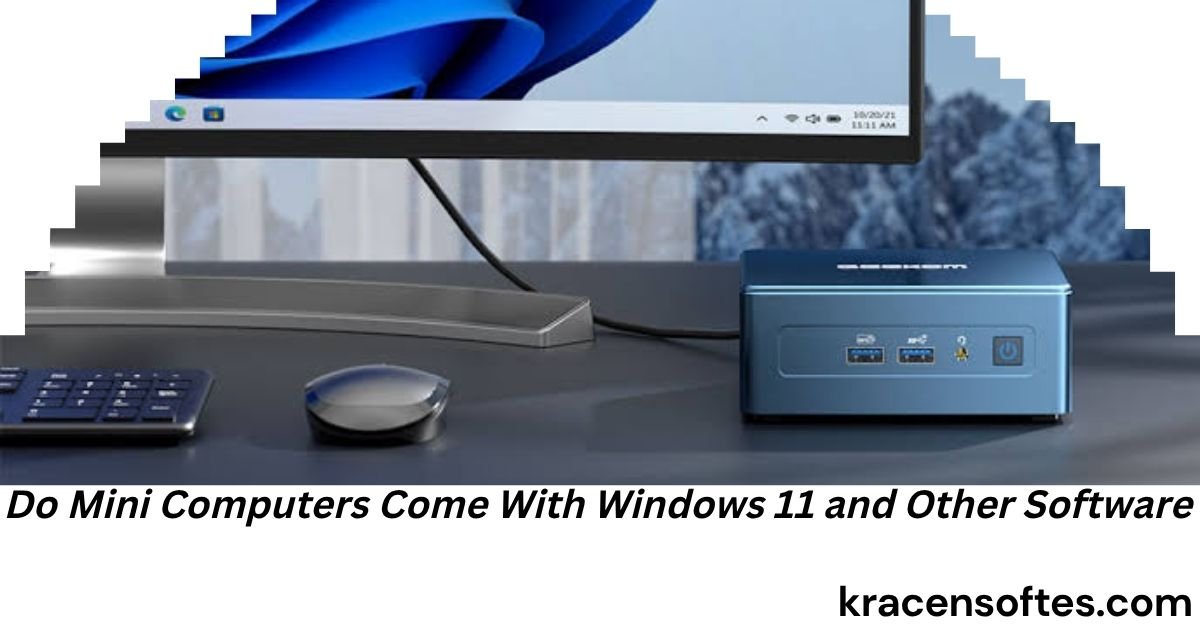
Mini computers have become one of the fastest-growing segments of the PC market. They are small, powerful, energy-efficient, and affordable. Whether you need a computer for home, office work, online learning, entertainment, programming, or business operations, a mini PC can often deliver the same performance as a traditional desktop while taking up only a fraction of the space.
One of the most common questions buyers ask before purchasing a mini PC is: do mini computers come with Windows 11 and other software?
The answer is not always simple. Some mini computers come fully equipped with Windows 11 and essential software, while others are sold as barebone systems that require users to install their own operating system and applications.
This comprehensive guide explains everything you need to know about whether mini computers come with Windows 11 and other software, what software is typically included, how licensing works, what to expect from different manufacturers, and how to choose the best mini PC for your needs.
Understanding Mini Computers
A mini computer, often called a mini PC, is a compact desktop computer designed to perform many of the same functions as a traditional desktop tower.
Popular mini PCs include models from companies such as:
- Intel
- Beelink
- MINISFORUM
- ASUS
- Lenovo
- HP
- Dell
These devices are commonly used for:
- Home computing
- Office productivity
- Video streaming
- Remote work
- School assignments
- Programming
- Graphic design
- Digital signage
- Small business operations
- Home theater systems
Because mini PCs are available in many configurations, software availability varies from one model to another.
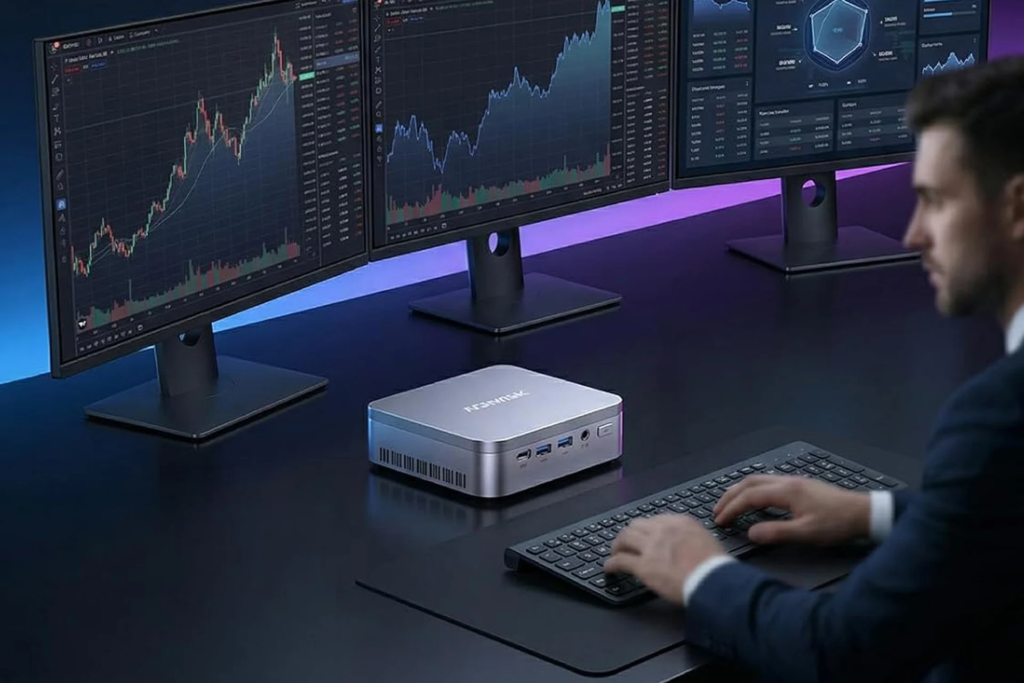
Do Mini Computers Come With Windows 11 and Other Software?
The short answer is yes, many mini computers come with Windows 11 and other software pre-installed.
However, not all mini PCs include Windows 11. Some are sold without an operating system, while others may come with Linux or a trial version of Windows.
When shopping for a mini PC, you will generally find three categories:
1. Mini Computers With Windows 11 Pre-Installed
This is the most common option for general consumers.
These systems usually include:
- Windows 11 Home
- Device drivers
- Basic utilities
- Security features
- Recovery tools
After turning on the computer for the first time, users simply complete the setup process and begin using the device.
2. Barebone Mini Computers
Barebone systems typically include:
- Motherboard
- Processor
- Cooling system
- Power supply
But may not include:
- Windows 11
- Storage drive
- Memory (RAM)
These systems are designed for advanced users who want complete control over hardware and software selection.
3. Mini Computers With Linux
Some mini PCs come with Linux distributions pre-installed.
Popular Linux options include:
- Ubuntu
- Debian
- Linux Mint
- Fedora
These systems are often less expensive because they do not include a Windows license.
Why Many Mini PCs Come With Windows 11
Windows 11 is currently Microsoft’s flagship operating system and is designed to support modern hardware.
Manufacturers often install Windows 11 because it offers:
- Broad software compatibility
- Familiar user experience
- Business support
- Gaming support
- Cloud integration
- Security improvements
For most consumers, a Windows 11 mini PC provides a ready-to-use experience right out of the box.
What Version of Windows 11 Comes With Mini Computers?
The included version depends on the target audience.
Windows 11 Home
Most consumer mini PCs include Windows 11 Home.
This version supports:
- Web browsing
- Office work
- Video conferencing
- Streaming
- Personal productivity
For typical home users, Windows 11 Home is usually sufficient.
Windows 11 Pro
Business-focused mini PCs often include Windows 11 Pro.
Additional features include:
- Remote Desktop
- BitLocker encryption
- Domain joining
- Group Policy management
- Enhanced business security
Small businesses and professional users often prefer Windows 11 Pro systems.
Other Software Commonly Included With Mini PCs
Many people focus only on Windows, but software packages vary considerably between manufacturers.
Let’s examine what may already be installed when you receive your mini computer.
Device Drivers
Every Windows-based mini PC includes hardware drivers.
Drivers help Windows communicate with:
- Graphics hardware
- Wi-Fi adapters
- Bluetooth modules
- Audio systems
- USB ports
- Ethernet controllers
Without drivers, hardware would not function correctly.
Manufacturer Utility Software
Many manufacturers provide their own management tools.
Examples include:
- BIOS update software
- Performance management tools
- Fan control utilities
- Recovery software
- System diagnostics
These tools simplify maintenance and troubleshooting.
Security Software
Some mini PCs include:
- Windows Security
- Microsoft Defender
- Antivirus trial versions
Security software helps protect users against malware, ransomware, phishing attacks, and other threats.
Recovery Tools
Many mini PCs contain built-in recovery partitions that allow users to:
- Restore factory settings
- Reinstall Windows
- Repair startup problems
- Recover system files
These tools can be extremely valuable if the operating system becomes corrupted.
Microsoft Applications
Windows 11 often includes:
- Calculator
- Notepad
- Paint
- Photos
- Media Player
- Microsoft Store
- Snipping Tool
These built-in applications provide immediate functionality without requiring additional downloads.
Does Windows 11 Come Activated on Mini Computers?
In most cases, yes.
A legitimate Windows 11 mini PC generally includes:
- Licensed Windows copy
- Product activation
- Digital license
When connected to the internet, activation is usually automatic.
This allows users to immediately access all Windows features without purchasing an additional license.
How to Verify Whether a Mini PC Includes Windows 11
Many buyers accidentally purchase a barebone system thinking Windows is included.
Before purchasing, check the product listing carefully.
Look for phrases such as:
- Windows 11 Home Included
- Windows 11 Pro Pre-installed
- Licensed Windows 11
- Operating System Included
Be cautious if descriptions mention:
- Barebone
- No Operating System
- OS Not Included
- User Installation Required
These products typically require separate software installation.
Do Budget Mini Computers Include Windows 11?
Many budget mini PCs include Windows 11 despite their low price.
Manufacturers often negotiate bulk licensing agreements that reduce software costs.
However, lower-priced systems may include:
- Reduced storage
- Less RAM
- Entry-level processors
While Windows 11 is included, overall performance may vary.
Buyers should evaluate hardware specifications alongside software offerings.
Can You Install Windows 11 Yourself on a Mini PC?
Absolutely.
Many users purchase barebone mini PCs and install Windows 11 manually.
The process generally involves:
- Downloading Windows 11 installation media
- Creating a bootable USB drive
- Installing the operating system
- Installing drivers
- Activating Windows
This approach allows maximum customization but requires technical knowledge.
Do Mini Computers Include Microsoft Office?
One of the biggest misconceptions involves Microsoft Office.
Most mini PCs do not include a full licensed version of Microsoft Office.
Instead, they may include:
- Microsoft 365 trial
- Limited Office access
- Web-based Office apps
A separate subscription or license is usually required for:
- Word
- Excel
- PowerPoint
- Outlook
Buyers should verify Office availability before purchasing.
Do Mini Computers Come With Productivity Software?
Some manufacturers include additional software packages.
Also Read: What AMD Software Do I Need for Expedition 33? Complete Setup Guide for Best Performance in 2026
Examples may include:
- PDF readers
- Cloud storage utilities
- Video conferencing apps
- Media players
- Backup software
The amount of included software varies significantly between brands.
Gaming Software on Mini PCs
Gaming-oriented mini PCs sometimes include:
- Graphics management software
- Gaming launchers
- Performance optimization tools
- RGB control applications
However, games themselves are rarely included.
Users generally download games through:
- Steam
- Xbox App
- Epic Games Store
- Battle.net
Educational Software and Mini Computers
Students often wonder if mini PCs include educational applications.
Most systems do not ship with dedicated educational software.
However, Windows 11 supports:
- Microsoft Teams
- OneNote
- Google Classroom
- Educational web platforms
Schools typically provide software separately.
Business Software on Mini Computers
Business mini PCs may include:
- Device management tools
- Security applications
- Remote administration utilities
- Backup software
Enterprise systems often prioritize security and management rather than consumer entertainment features.
The Difference Between Windows 11 and Additional Software
Understanding this distinction is important.
Windows 11 is the operating system.
Additional software includes:
- Productivity apps
- Security tools
- Creative software
- Business applications
A mini PC may come with Windows 11 but very little additional software.
Likewise, a system may include multiple applications without providing premium licenses.
Always read product specifications carefully.
Advantages of Buying a Mini PC With Windows 11 Pre-Installed
Purchasing a system with Windows already installed provides several benefits.
Immediate Setup
Users can begin working within minutes.
Driver Compatibility
Manufacturers ensure drivers function correctly.
Official Licensing
Windows activation is typically included.
Technical Support
Support teams can assist with software issues.
Reduced Complexity
No operating system installation knowledge is required.
These benefits make pre-configured systems ideal for most consumers.
Advantages of Buying a Barebone Mini PC
Advanced users often prefer barebone models.
Benefits include:
- Lower initial cost
- Hardware flexibility
- Operating system choice
- Custom software configuration
- Upgrade freedom
For experienced users, barebone systems can provide excellent value.
How Software Affects Mini PC Pricing
Software licensing significantly impacts cost.
A mini PC with:
- Windows 11 license
- Productivity software
- Security tools
will generally cost more than an equivalent barebone model.
Many buyers underestimate the value of included software licenses when comparing prices.
A slightly more expensive system may actually provide better overall value.
Windows 11 Features That Work Well on Mini Computers
Modern mini PCs handle Windows 11 exceptionally well.
Useful features include:
Snap Layouts
Improves multitasking.
Virtual Desktops
Helps organize workspaces.
Microsoft Store
Provides easy software downloads.
Widgets
Offers quick information access.
Enhanced Security
Protects against modern cyber threats.
Cloud Integration
Supports seamless file synchronization.
These features contribute to a productive user experience.
Common Software Problems Buyers Should Watch For
Not every mini PC provides a perfect software experience.
Potential concerns include:
Trial Software
Some systems include limited-time software trials.
Unwanted Applications
Occasionally manufacturers install unnecessary programs.
Outdated Drivers
Drivers may require updating after purchase.
Storage Limitations
Pre-installed software consumes storage space.
Reviewing customer feedback before buying can help identify these issues.
Who Should Buy a Mini PC With Windows 11 Included?
Pre-installed Windows 11 systems are ideal for:
- Home users
- Students
- Seniors
- Office workers
- Remote employees
- Small businesses
These users typically benefit from the convenience of a ready-to-use system.
Who Should Consider Barebone Mini PCs?
Barebone models are better suited for:
- IT professionals
- Developers
- Linux enthusiasts
- Hardware enthusiasts
- Custom system builders
These users often prefer configuring systems themselves.
Future Trends in Mini PC Software
The mini PC market continues evolving rapidly.
Future systems will likely include:
- AI-powered productivity tools
- Advanced security features
- Better cloud integration
- Enhanced energy management
- More automated updates
- AI assistants built into operating systems
Windows 11 already incorporates several AI capabilities, and future updates are expected to expand these features significantly.
Also Read: How to Change My PC Spec With Software: The Complete 2026 Guide
How to Choose the Right Mini Computer
When evaluating whether mini computers come with Windows 11 and other software, consider the following checklist:
- Verify operating system inclusion
- Confirm Windows license activation
- Check memory capacity
- Review storage size
- Examine processor performance
- Look for software bundles
- Compare warranty coverage
- Read customer reviews
- Verify upgrade options
- Confirm technical support availability
A well-informed purchase decision prevents future frustrations.
Expert Insight: What Most Buyers Overlook
One important observation is that many consumers focus almost entirely on hardware specifications while ignoring software value.
A mini PC with a legitimate Windows 11 license, optimized drivers, recovery tools, and manufacturer support often provides a better ownership experience than a cheaper barebone alternative.
The true value of a computer extends beyond the processor and memory. Reliable software, security updates, system stability, and technical support contribute significantly to long-term satisfaction.
This is especially true for home users and small businesses that want a dependable computer rather than a technology project.
Conclusion
So, do mini computers come with Windows 11 and other software?
In most cases, yes. Many modern mini PCs are sold with Windows 11 Home or Windows 11 Pro pre-installed, activated, and ready for immediate use. These systems often include drivers, security tools, recovery software, and manufacturer utilities that simplify setup and maintenance.
However, not every mini computer includes Windows 11. Barebone systems may require users to install their own operating system, storage, memory, and applications. Some models also ship with Linux instead of Windows.
The best approach is to carefully review product specifications before purchasing. Understanding exactly what software is included can help you avoid unexpected costs and ensure you choose the right mini PC for your personal, educational, or business needs.
As mini computers continue to become more powerful and affordable, Windows 11-equipped systems will remain one of the most practical and versatile computing solutions available to modern users.
Frequently Asked Questions
Can I upgrade from Windows 11 Home to Windows 11 Pro on a mini computer?
Yes. If your mini PC includes Windows 11 Home, you can purchase an upgrade license and move to Windows 11 Pro without replacing the computer.
Do mini computers receive Windows updates automatically?
Most Windows 11 mini PCs receive automatic updates through Windows Update, helping maintain security and performance.
Can I use a mini computer without a Microsoft account?
Yes. Depending on the setup process and Windows edition, users may be able to create a local account instead of using a Microsoft account.
Do mini computers support professional software like Photoshop and AutoCAD?
Many modern mini PCs can run professional applications, provided the hardware specifications meet the software requirements.
Can I reinstall Windows 11 if my mini computer crashes?
Most mini PCs include recovery options or support clean Windows installations using Microsoft’s installation media.
Are mini computers suitable for running multiple software programs at the same time?
Yes. Systems with sufficient RAM and modern processors can handle multitasking effectively.
Do mini computers include cloud backup software?
Some manufacturers bundle cloud backup solutions, but many users choose third-party services based on their storage needs.
Can I install software from older Windows versions on a Windows 11 mini PC?
Many older Windows applications still work on Windows 11 through compatibility features, though results depend on the software.
Do mini PCs support external software development tools?
Yes. Developers can install programming environments, databases, virtual machines, and coding platforms just like on a traditional desktop.
Is internet access required to use all pre-installed software?
No. Many built-in Windows applications work offline, although cloud-based services and updates require an internet connection.